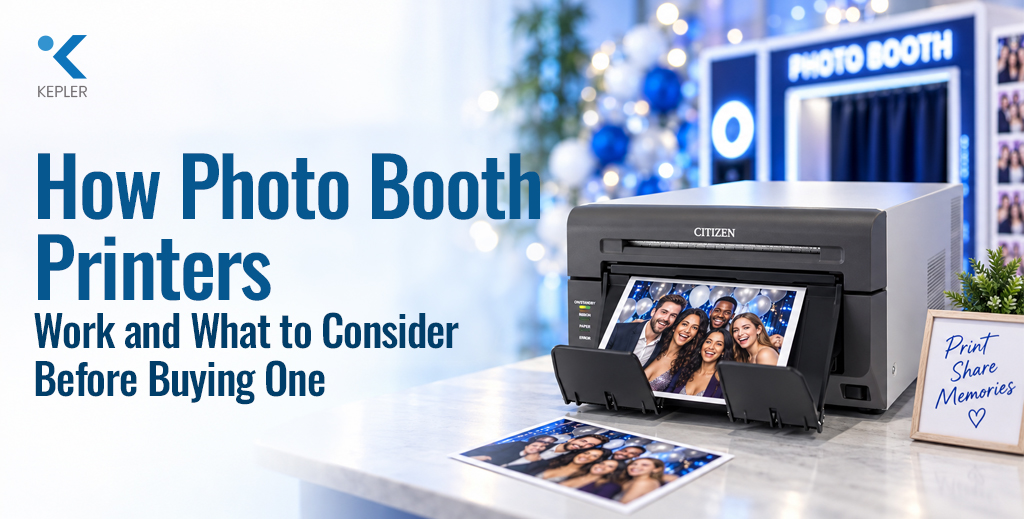
How Photo Booth Printers Work and What to Consider Before Buying One
Imagine attending a wedding, corporate event, or exhibition where you take a fun photo, add a personalized frame or message, and receive the printed picture within moments. That quick experience may look simple from the outside, but it depends on the right photo booth printer working smoothly behind the scenes. For businesses offering photo booth services, event photographers, entertainment venues, and organizations using interactive photo experiences, choosing the right printer can make a noticeable difference. A printer that is too slow can create queues, while one that is not designed for regular photo printing may struggle with the demands of busy events. So, what exactly is a photo booth printer? How does it work? Can you use a regular photo printer for a photo booth? And what should you look for before investing in one? Let’s explore these questions and look at the factors that can help you choose a photo printing solution that fits your requirements. What Is a Photo Booth Printer? A photo booth printer is a printer used to produce physical photographs from images captured through a photo booth system. It forms part of a larger setup that can include a camera, touchscreen or display, photo booth software, lighting, and printing equipment. The process is relatively straightforward. A person takes a photograph through the booth, and the software processes the image according to the selected layout or design. The finished image is then sent to the printer, which produces the physical photograph. Depending on the setup, users may be able to add frames, logos, text, filters, or other effects before printing. This makes a photo booth printer different from a printer used occasionally at home. In an event environment, the equipment may need to handle repeated print requests while maintaining consistent output. Think about a busy wedding with dozens or even hundreds of guests. If every guest wants a physical copy, the printer needs to keep up with the workflow without creating unnecessary delays. How Does a Photo Booth Printer Work? The basic photo booth printing process can be understood in a few simple stages. First, the camera captures the photograph. The image is then transferred to the photo booth software, where users may be given options to review or customize it. Once the image is ready, the software sends the print command to the connected printer. The printer processes the image and produces the photograph using its supported printing technology and media. Many professional photo printers use dye-sublimation technology for photographic output. This type of printing process is designed specifically for producing photo prints and can provide consistent results for repeated printing. The printer therefore plays an important role in the overall user experience. Even if the camera and software work perfectly, slow or unreliable printing can make the photo booth experience less enjoyable. For this reason, choosing a printer should involve looking at the complete workflow, rather than considering image quality alone. What Should You Consider When Choosing a Photo Booth Printer? Choosing a photo booth printer starts with a simple question: How will you actually use it? A printer for occasional private events may have different requirements from one used by a professional photo booth business every weekend. Before making a decision, consider the following factors. Print Speed Speed is particularly important when multiple people are waiting for their photographs. If the printer takes too long to produce each image, a queue can develop quickly during busy events. Faster printing can help maintain a smoother flow between taking the photograph and receiving the finished print. Instead of looking only at a manufacturer’s general speed claim, consider how quickly you need photographs to be available in your actual working environment. Print Quality The purpose of a photo booth is to create memorable photographs, so the quality of the printed image matters. Look for a printer that can produce clear details, consistent colors, and attractive photographic output. Skin tones and small image details can be particularly noticeable in portrait photographs. However, remember that the final result is influenced by more than the printer itself. The camera, lighting, image processing, paper or media, and printing technology can all affect the finished photograph. Supported Print Sizes Think about the types of photographs you want to offer. Some businesses may primarily provide standard photo prints, while others may want multiple sizes for different event packages. Checking the printer’s supported media formats before purchasing can prevent limitations later. If you plan to offer different layouts, make sure the printer can accommodate the sizes and formats required by your photo booth software. Media and Consumables A photo printer cannot operate without suitable printing media and consumables. Before choosing a model, understand what type of media it requires, how frequently it may need to be replaced, and how much each print is likely to cost. This is particularly important for businesses because consumable expenses can become significant when printing large numbers of photographs. Portability Do you plan to move the photo booth from one venue to another? If so, portability can become an important consideration. A portable photo printer can be useful when the entire photo booth setup needs to be transported between weddings, parties, exhibitions, or corporate events. However, portability should not be considered by itself. A smaller printer may be easier to transport, but businesses should also consider whether it can handle their expected workload. Connectivity A photo booth printer needs to communicate effectively with the rest of the setup. Depending on the equipment and software being used, businesses may need to consider available connectivity options and compatibility. The smoother the connection between the photo booth software and printer, the easier it can be to manage the printing workflow. Running Costs The purchase price is only one part of the overall cost. Consider the ongoing expenses associated with media, consumables, maintenance, and servicing. If your business produces a large number of photographs, even a small difference in the cost of each print can have an impact over time. A
How Photo Booth Printers Work and What to Consider Before Buying One Read Post »