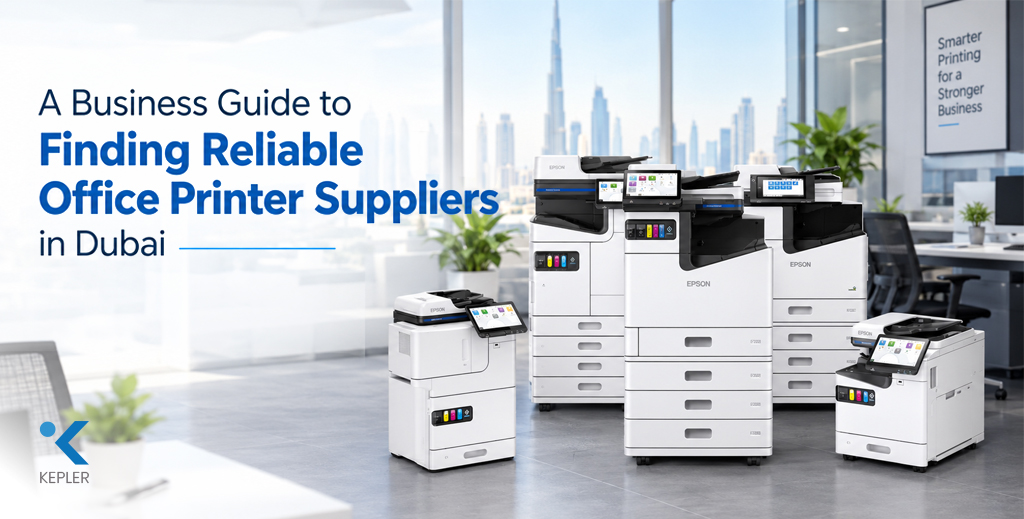
A Business Guide to Finding Reliable Office Printer Suppliers in Dubai
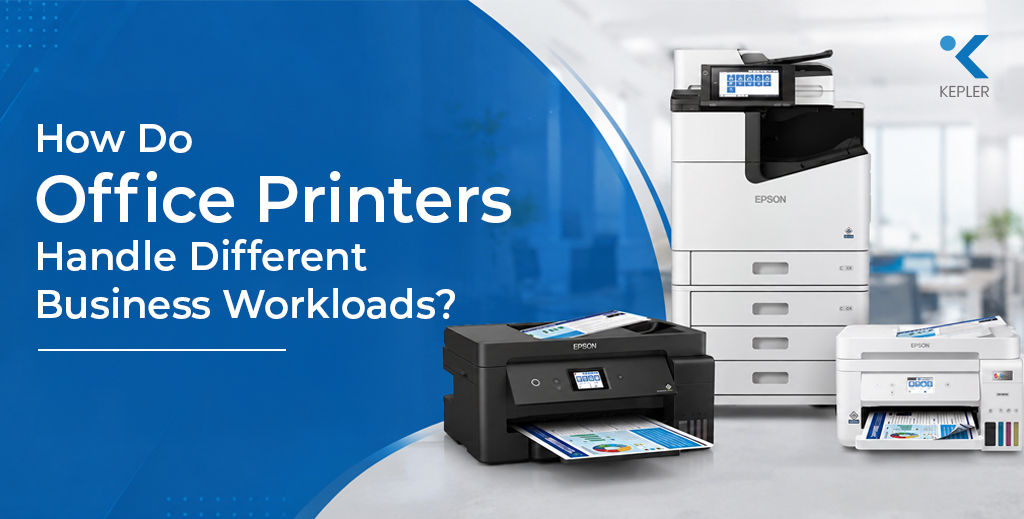
Imagine your office printer stops working just before an important client meeting. Your team needs to print contracts, prepare reports, and share invoices, but the equipment is unable to keep up. Would your business have a reliable solution, or would employees lose valuable time waiting for repairs? For businesses in Dubai, printing remains an important part of everyday operations. Startups need affordable equipment, small and medium-sized enterprises (SMEs) need dependable performance, and corporate offices often require high-volume printing with consistent technical support. Choosing the right office printer suppliers in Dubai can help businesses manage these requirements while controlling long-term costs. However, finding a suitable supplier involves more than comparing product prices. You need to consider printing volume, equipment features, consumables, warranty coverage, and maintenance services. Before you begin comparing suppliers, think about your office requirements. Do you print a few documents daily or thousands of pages every month? Do you need colour printing, scanning, photocopying, or secure document handling? Understanding these details will help you make a more informed purchasing decision. Understand Your Business Printing Requirements If your office printer had to handle twice your current workload, would it still perform efficiently? Your printing requirements should guide your equipment selection. A small business printing invoices and quotations has different needs from a legal firm handling contracts or a corporate department producing large volumes of reports. Start by estimating your average monthly print volume. Consider the number of employees sharing the equipment, the proportion of colour and black-and-white documents, and whether you regularly print double-sided pages. You should also consider whether your business needs A4 printing, larger paper formats, or specialised document handling. For example, a startup with five employees may operate efficiently with a compact multifunction printer. A larger office with several departments may require a network-connected device with faster printing speeds and greater paper capacity. When approaching office printer suppliers, explain your current workload and expected business growth. This helps suppliers recommend equipment that meets your needs without making you pay for unnecessary features. Choose the Right Type of Office Printer What matters most to your business: printing speed, colour quality, or having multiple functions in one device? Different printer technologies suit different business environments. Understanding their practical differences will help you compare available models more effectively. You should also evaluate features such as automatic duplex printing, automatic document feeders, Ethernet connectivity, wireless printing, and compatibility with your office systems. Businesses handling confidential information may benefit from secure print release and user authentication features. A knowledgeable printer supplier in Dubai should explain which features are genuinely useful for your workplace. Instead of choosing a printer simply because it has more functions, select one that supports your daily operations efficiently. Calculate the Total Cost of Office Printing Would you choose a printer with a lower purchase price if its consumables and maintenance cost more over time? The initial purchase price does not represent the full cost of owning an office printer. Businesses also need to account for ink or toner, paper, replacement components, repairs, and routine servicing. This is particularly important for companies with high monthly printing volumes. A small difference in cost per page can become significant when multiplied across thousands of documents. Before selecting equipment, ask suppliers about the expected yield of ink cartridges or toner, the availability of genuine consumables, and the cost of commonly replaced components. Check whether the quoted price includes installation, configuration, or any additional services. For example, a business printing thousands of invoices every month may benefit from a printer designed for higher workloads and efficient consumable usage. Meanwhile, a business printing only occasional documents may prioritise a lower initial investment. When comparing printer suppliers in the UAE, evaluate the total cost of ownership over your expected period of use. This provides a clearer picture of affordability than comparing purchase prices alone. Evaluate Warranty and After-Sales Support If your printer develops a technical fault tomorrow, do you know whom to contact and how quickly support will be available? A printer purchase should not end when the equipment is delivered. Technical problems, connectivity issues, paper jams, and component failures can interrupt normal office activities. Reliable after-sales support helps businesses address these problems and minimise disruption. Before selecting among printer dealers in Dubai, check the warranty period, what the warranty covers, and how repair requests are handled. Ask whether technical assistance is available locally and whether replacement parts and consumables can be supplied when required. Businesses that depend heavily on printing may also consider an annual maintenance contract. Depending on the agreement, an AMC may include preventive servicing, technical assistance, and specified repair services. Managed print services may be another option for organisations that want to monitor print usage, manage multiple devices, and improve control over printing expenses. Always review the service agreement carefully. Confirm response times, exclusions, charges, and whether consumables are included. Clear terms help you understand the level of support your business can expect. Compare Supplier Reliability Before Purchasing If two suppliers offer similar printers at comparable prices, what would make you trust one more than the other? The answer often comes down to product knowledge, transparency, and the ability to support your business after the sale. A dependable supplier should provide clear quotations, explain product specifications, and help you understand the differences between available models. Check whether the supplier offers genuine equipment, appropriate warranty documentation, and access to compatible consumables. Ask about installation and network configuration if your business requires assistance setting up shared printing across multiple computers. It is also useful to consider your future requirements. A business that starts with one printer may eventually need additional devices, scanners, or centralised print management. Choosing a supplier with a suitable product range and relevant support services can simplify future procurement. When comparing office printer suppliers in Dubai, avoid making your decision based on price alone. Evaluate the complete offering, including equipment suitability, delivery arrangements, service availability, and ongoing costs. Decide Whether to Buy, Rent, or Lease Would your business prefer
A Business Guide to Finding Reliable Office Printer Suppliers in Dubai Read Post »